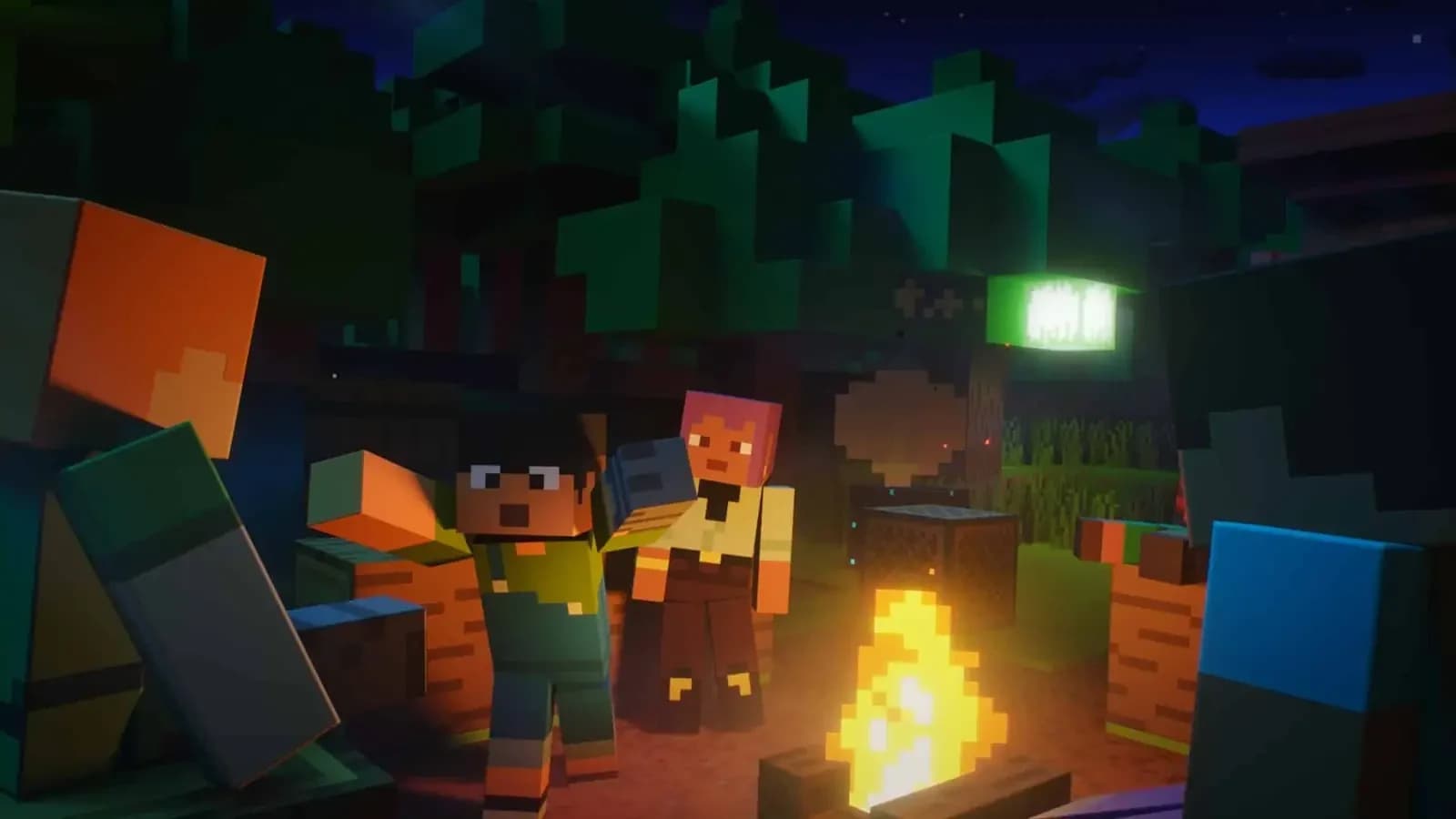
Game modes
Made in the lab
Systems our team codes from scratch.
- Jobs
- Fishing
- Dungeons
- Dimensions
- Archaeology
- Auctions & bank
- Tournaments
- Achievements
How to join
One address for every edition. On Bedrock, add the port.
- 1
Open Minecraft Java Edition and go to Multiplayer.
- 2
Click “Add Server” and type the address.
- 3
Select QuarkCraft and click “Join Server”.

Addressmc.quarkcraft.net
Community
Talk to the staff, sign up for events and find people to play with.

mc.quarkcraft.net
24playing now
Java and Bedrock · Survival 1.21, Survival Legends

News
Store
Support the server and get something back. Payments are processed by Tebex.
- Gems · QuarkCraft’s premium currency, to spend on the server.
- Ranks · Server ranks; details in the store.
- Cosmetics · Things to show off on the server.

FAQ
mc.quarkcraft.net, on both Java and Bedrock. On Bedrock use port 19132.
Yes. In Minecraft on mobile go to Play → Servers → Add Server and type the address and port 19132.
No. The first time you join, register with /register and a password; after that, log in with /login.
Consoles can’t add servers. With the free BedrockTogether app on a phone on the same Wi-Fi, QuarkCraft shows up in the console’s Friends tab.
Tebex. The website only shows the catalog; you pay through Tebex’s checkout.
Open a ticket on our Discord and someone from the team will help you.
Still have questions?
Open a ticket on Discord
Ready to step into the lab?
24onlineJava and Bedrock